 CloneCut
CloneCut — Viral Clone, Seedance 2.5
Powered by Seedance 2.5, CloneCut turns ideas, scripts, product images, and source videos into ready-to-publish videos up to 30 seconds long. Create new videos or remix existing ones—replace characters, products, objects, backgrounds, logos, or text while keeping what you want.
Same Motion. New Characters.
Reference examples: original footage, a new character, and an animated character.
Original Video
New Character
Animated Character
Features
Create from Ideas, Scripts, or Images
Start with a simple idea, a detailed script, or a product image. Describe the subject, setting, and mood you have in mind, and CloneCut helps shape them into a clear video plan.
Work through the action, shot sequence, camera movement, and audio direction before production. Whether you’re creating a product reveal, a brand story, or a social clip, you can refine the details through conversation and review the plan before generating.
- Start with text, scripts, or images
- Develop scenes, shots, and audio direction
- Review your plan before production
 Concept illustration
Remix Videos Your Way
Start with an existing video and tell CloneCut what you want to change. Replace a character, introduce your own product, refresh the background, or update objects, logos, and on-screen text.
Describe each replacement and add reference images to guide its appearance. You can keep the focus on one targeted change or discuss several edits within the same plan. Turn a familiar scene into a new creative version for your product, campaign, or audience.
- Replace characters, products, and scene elements
- Guide the changes with reference images
- Define your edits in one clear plan
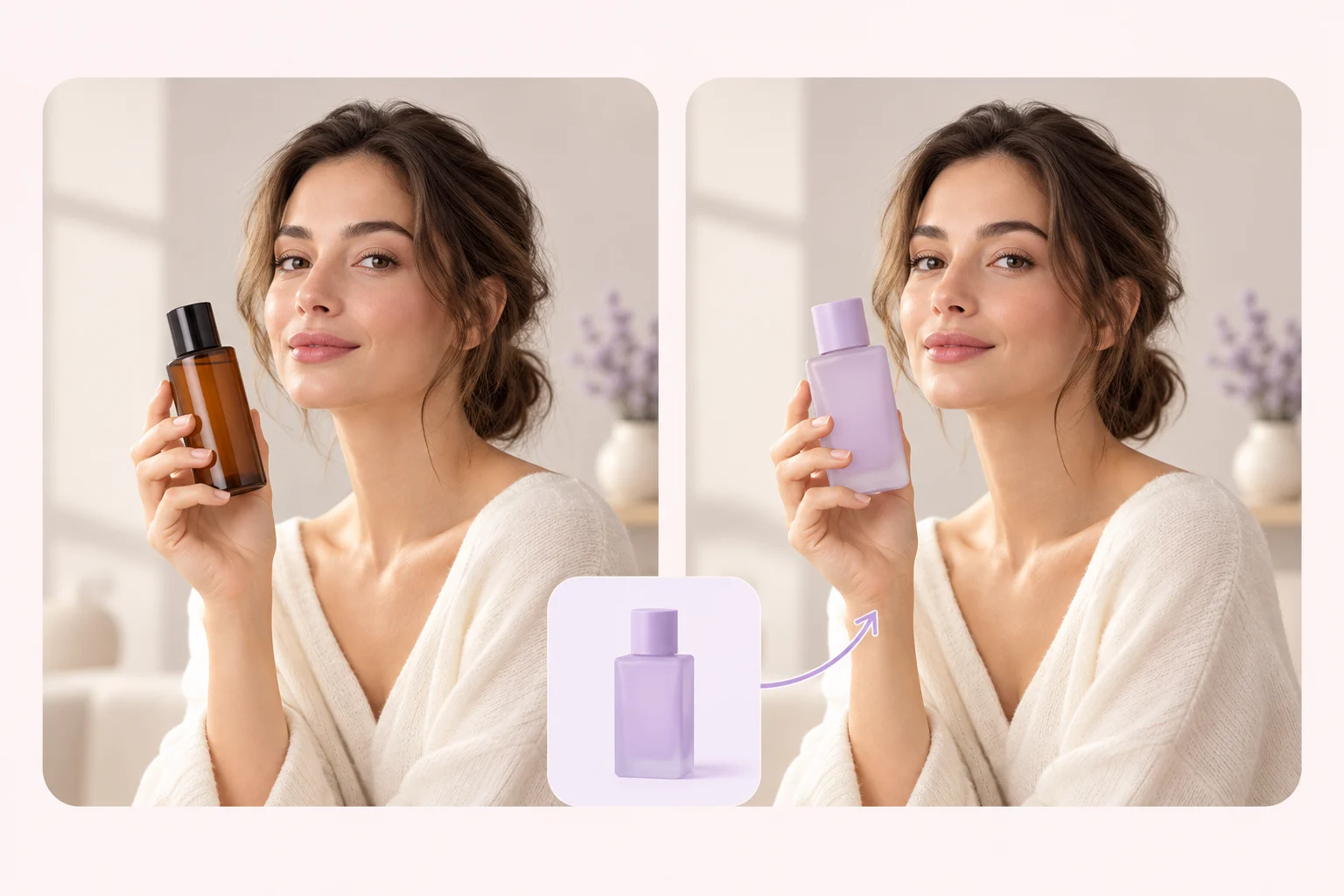 Concept illustration
Keep What Matters
A good remix keeps the details that make the original video work. Tell CloneCut which actions, shot order, camera movements, timing, and scene details should stay consistent—and which elements can change.
These instructions become part of your video plan, giving the edit a clear direction. Compare the result with your reference to review movement and continuity. For easier comparison, start by changing one main element, then use what you learn to plan your next version.
- Specify what changes and what stays
- Guide motion, pacing, and scene continuity
- Compare versions against your reference
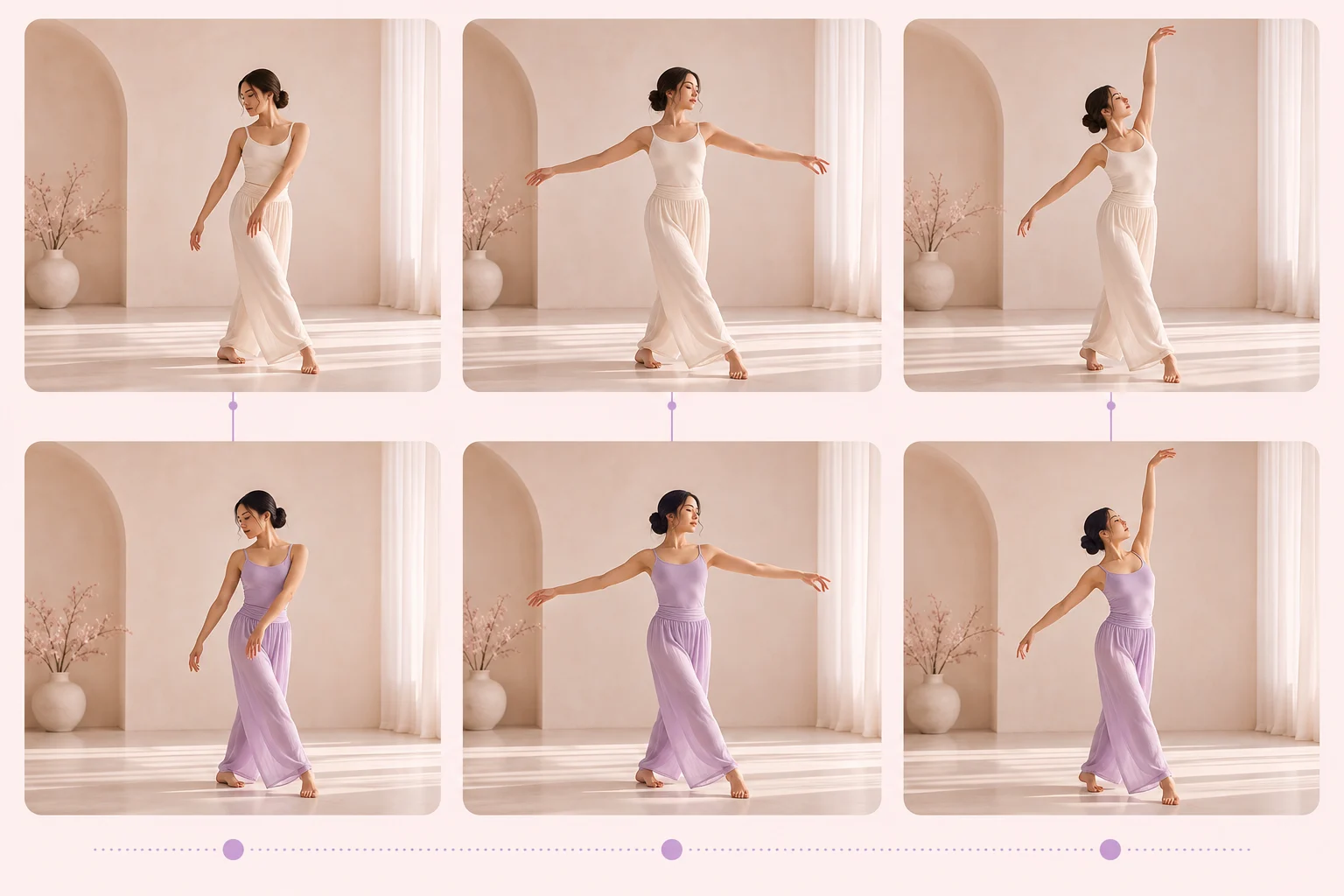 Concept illustration
Made for Short-Form Content
Create videos up to 30 seconds long for TikTok, Reels, Shorts, product demos, and paid social. Build a product-focused ad, tell a short story, or adapt a reference video for a new creative direction.
Discuss the opening, key message, visual rhythm, and ending as part of your plan. Preview the finished video before downloading, and check product details, on-screen text, and continuity before publishing. Continue the conversation when you’re ready to explore another version.
- Create short-form videos up to 30 seconds
- Plan product ads, demos, and story-driven clips
- Preview and download your finished video
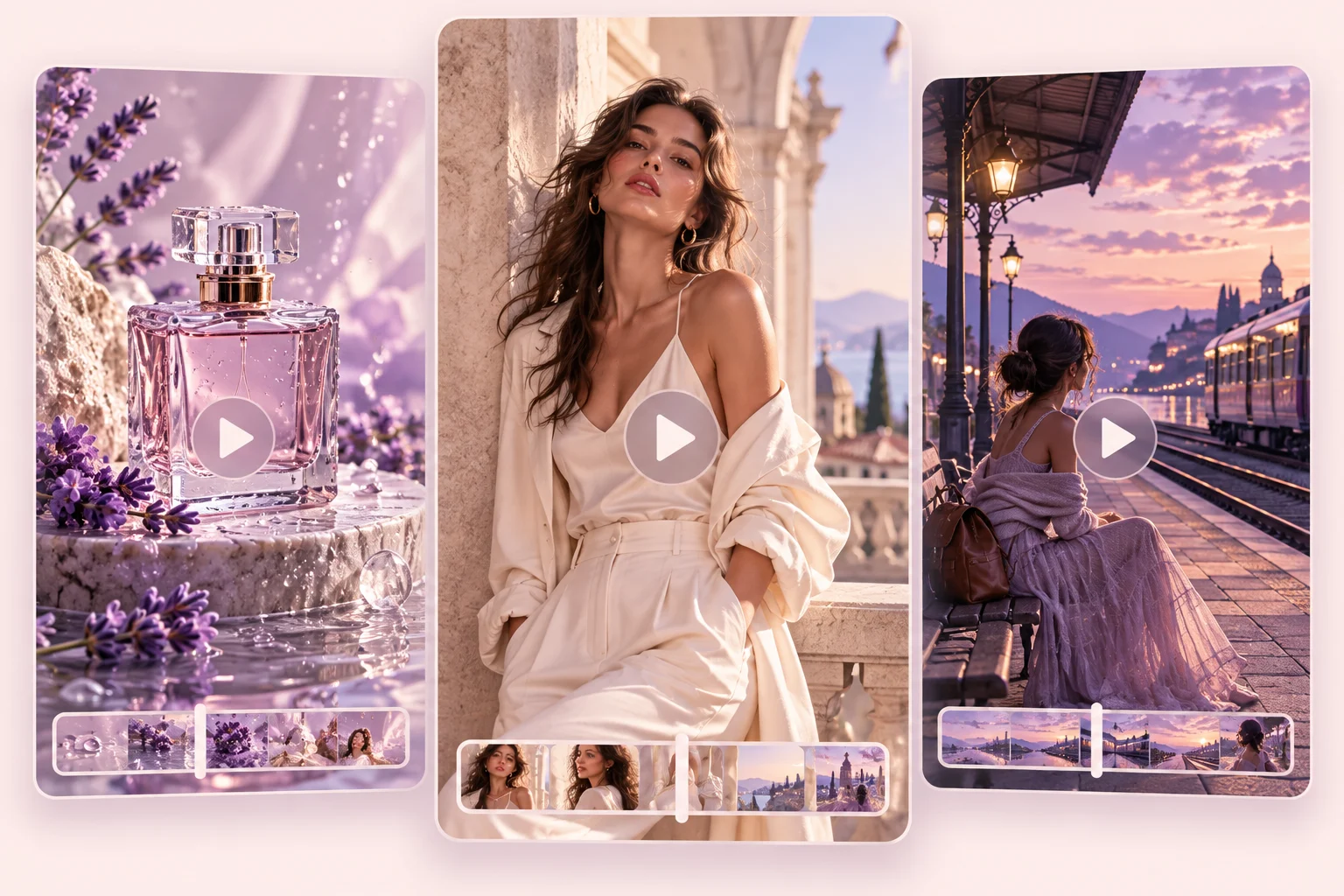 Concept illustration
How It Works
- 01
Share Your Goal & Materials
Describe the video you want to create or change. Add a script, product image, character reference, or source video to get started.
- 02
Get a Clear Video Plan
CloneCut helps clarify your idea and builds a plan covering the action, shots, camera, audio, duration, and what should stay unchanged.
- 03
Review & Confirm
Request any changes, then review the final plan, settings, and credit cost. Click Confirm Generation when you’re ready.
- 04
Preview & Download
Receive your finished video, up to 30 seconds long. Preview the result and download it when you’re ready to share.
FAQ
Frequently Asked Questions
Create new short-form videos, product ads, and story-driven clips, or remix existing videos by changing characters, products, objects, backgrounds, logos, or text.
CloneCut is built for creators, marketers, and e-commerce teams making short-form videos, product demos, and social ads.
No. Start with an idea, script, or product image to create something new. Upload a source video when you want to remix an existing clip.
No. Start with a simple idea. CloneCut helps you clarify the subject, action, scene, and style before building your video plan.
Tell CloneCut what to replace and what to keep, including the subject, background, motion, and pacing. For easier comparison, try changing one major element at a time.
Videos can be up to 30 seconds long. Review the planned duration before confirming generation.
Generation starts after you review the video plan, settings, and credit cost and click Confirm Generation.
Yes. Once production is complete, preview the finished video in your conversation and download it.