
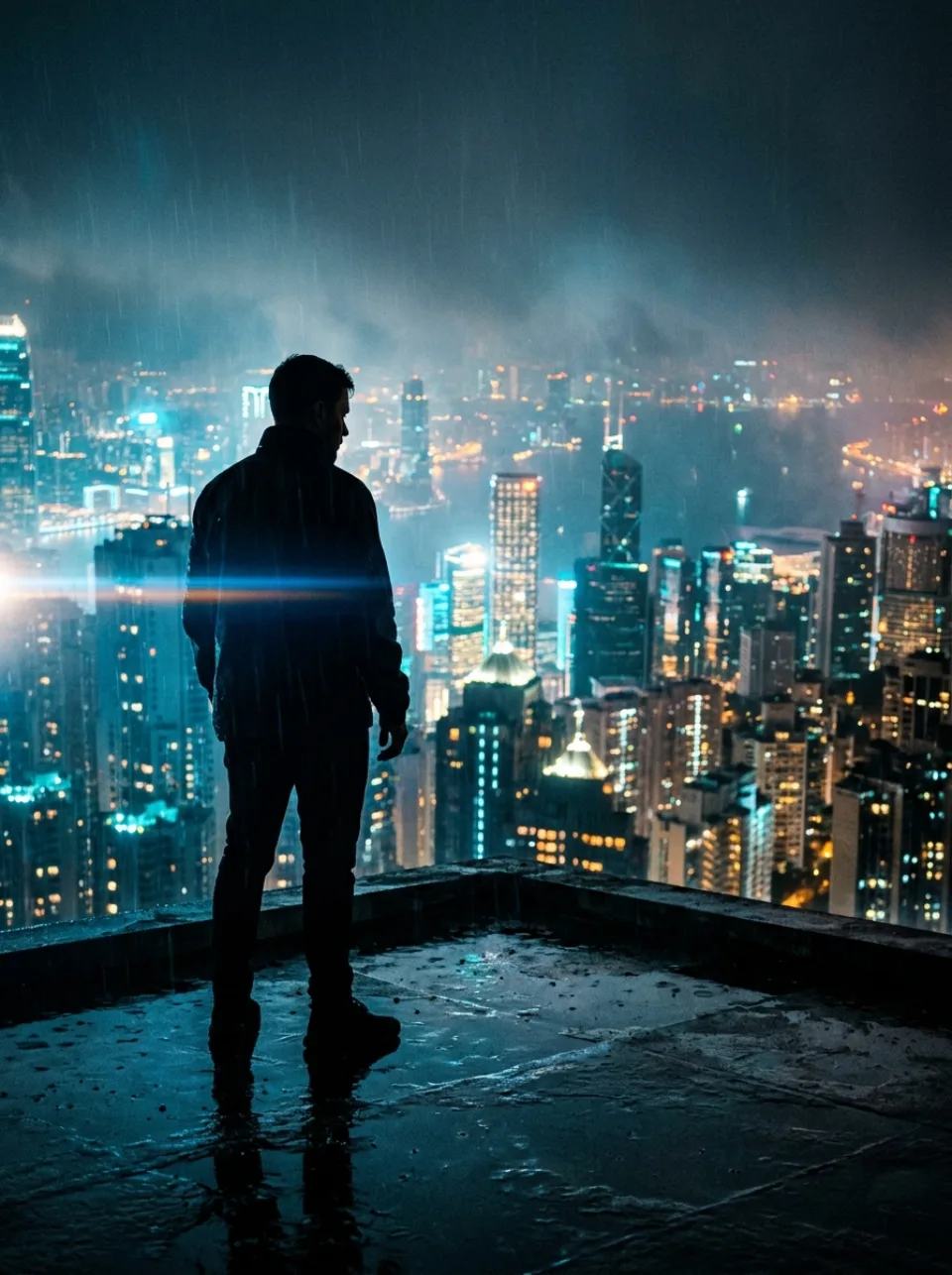
 Electronic & Synthwave
Midnight Neon Rooftop Sequence
Rain-soaked anamorphic skyline cinematography with moody reflections crafted for electronic and hip-hop releases.
Use Case · Musicians, Labels & Visual Artists
Bring your track to life with an AI music video generator engineered for cohesive visual storytelling. Turn lyrics, mood boards, or album art into sweeping multi-scene music videos—complete with last-frame visual continuity and instant in-browser MP4 merging.
Paste Verse, Chorus, and Bridge visual beats, generate sequentially, and merge into one cohesive MV.
Upload your single cover art to create looping Spotify Canvas clips, YouTube visualizers, and Reels.
Select any music video aesthetic below to load its full cinematic brief into the AI music video generator above, customize the mood or upload your album art, and preview exact credits before rendering.
Electronic & SynthwaveRain-soaked anamorphic skyline cinematography with moody reflections crafted for electronic and hip-hop releases.
 Indie & Acoustic
Warm 35mm Kodak film grain and sweeping coastal movement ideal for indie rock, folk, and nostalgic ballads.
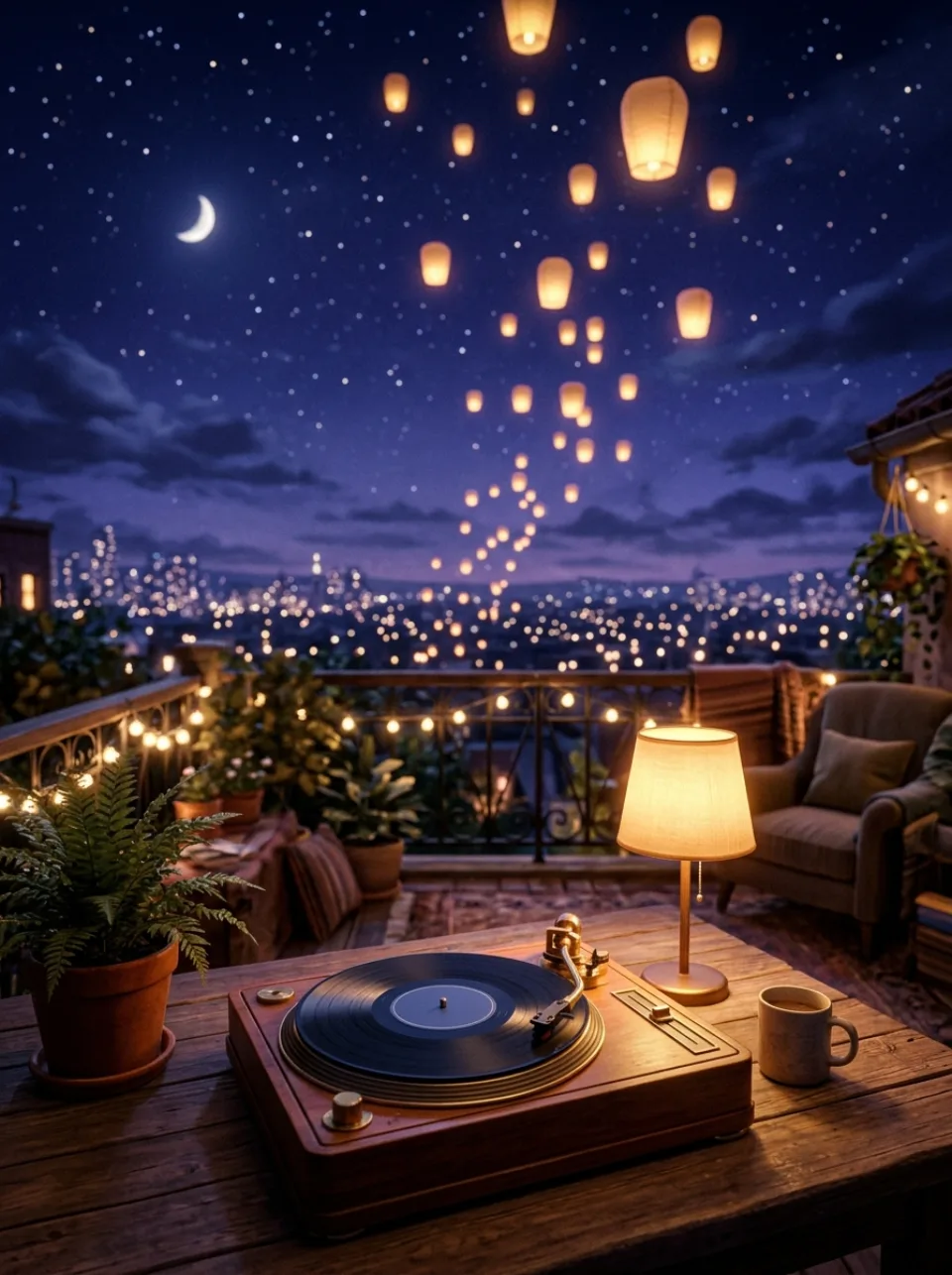
Lo-Fi & Chill BeatsStylized painterly 3D loops designed for 24/7 lo-fi YouTube channels, chill beat playlists, and Spotify Canvas.
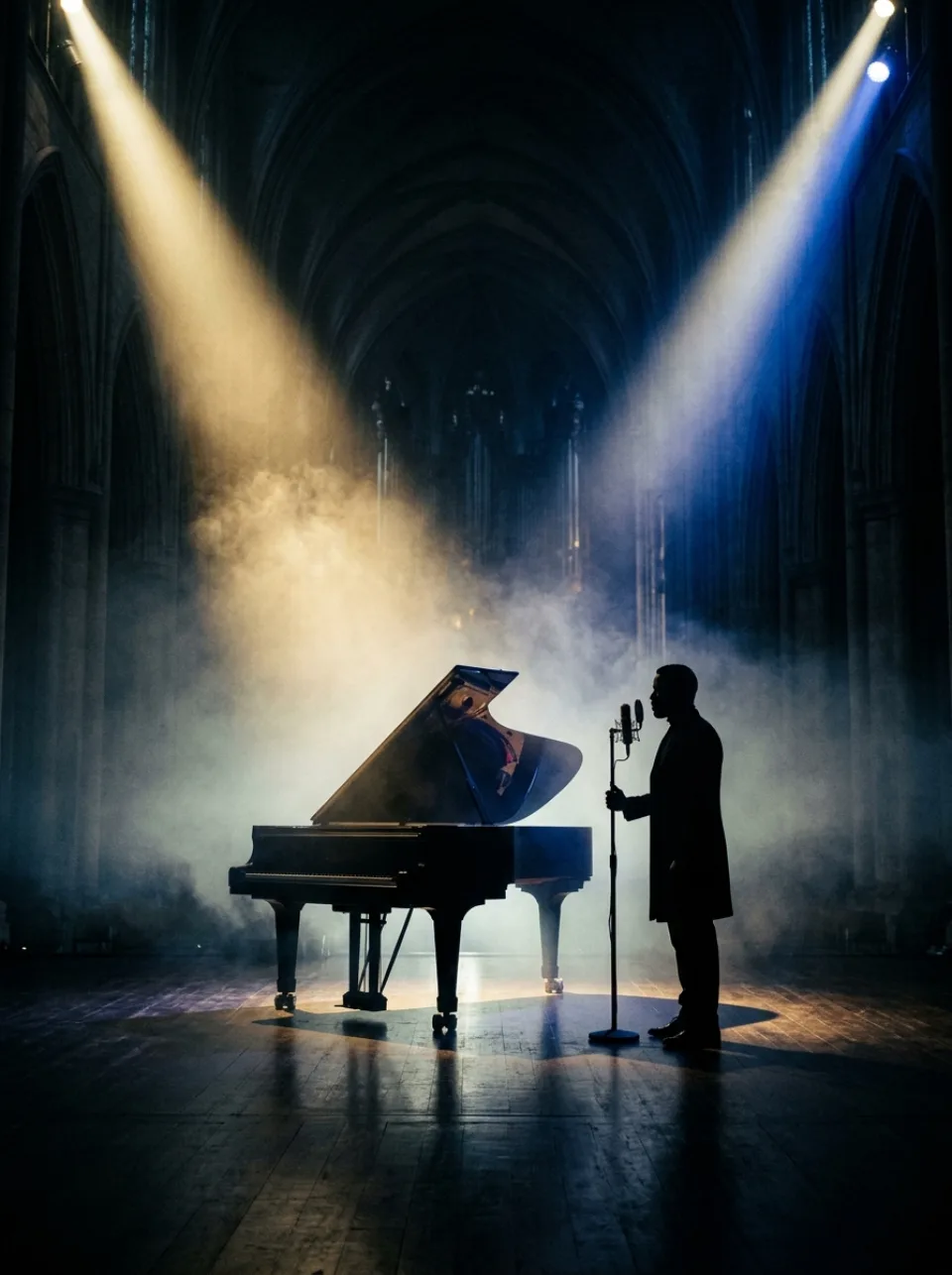 Pop & Cinematic Ballad
Volumetric gold and cobalt stage beams cutting through atmospheric haze for dramatic chorus builds.
Built for Independent Artists & Labels
Traditional music video shoots require locations, lighting crews, and weeks of editing—often costing more than recording the track itself. Our AI music video generator empowers artists, beatmakers, and visual directors to produce release-ready visuals for every single drop.
Start with your lyrics, an emotional theme, or a shot-by-shot treatment. Paste a multi-scene brief labeled Scene 1, Scene 2, and Scene 3 into the AI music video generator, and CloneCut organizes your shots into an interactive storyboard queue automatically.
Instead of generating disconnected clips that clash in color or wardrobe, you direct each verse, chorus, and outro beat with consistent lighting, camera language, and atmospheric pacing.
Verse → Chorus → Outro queueEvery single release needs motion across streaming platforms and social teasers. Upload your cover artwork or concept illustration, describe subtle environmental movement—falling rain, drifting lanterns, glowing neon haze, or slow orbital camera motion—and animate it cleanly.
With Kling 4.0 and Seedance 2.5 available inside the same AI music video generator, you can even specify both an opening frame and a closing keyframe for hypnotic looping visualizers and lyric-video backdrops.
Cover art to looping visualizerA real music video flows across multiple camera angles rather than stopping after five seconds. After your opening shot renders, click one button to extract its exact final frame and feed it straight into the next scene prompt.
When your verse and chorus clips are complete, open the built-in browser MP4 merger to reorder scenes and export a single continuous video file—ready to drop onto your mastered audio track in Premiere, CapCut, or DaVinci Resolve.
Last-frame continuity + mergeWant to preview a cinematic intro with rain, distant synth ambience, stage crowd swell, or acoustic room texture before laying down your final master? MiniMax H3 and Seedance 2.5 inside the AI music video generator render video paired with natural ambient soundscapes automatically.
For final release cuts synced tightly to your mastered WAV or MP3, simply mute the scratch track in your editor or switch to silent Kling 4.0 renders for pure high-frame-clarity visual b-roll.
Cinematic lighting & audio moodStretch one song concept across every discovery channel where listeners find new music—from full widescreen YouTube premieres to vertical discovery clips.
Chain sequential 16:9 scenes across verses and choruses, merge them in-browser, and cut to the beat over your mastered track.
Animate your single or EP cover into hypnotic 5-to-8 second 9:16 vertical visual loops that elevate every stream.
Generate high-contrast 15-second vertical teasers before release day so fans can pre-save your track and share snippets.
Produce cozy stylized 3D animated rooms, rain-lit cities, and dreamy sunset drives for beatmakers and chill-music channels.
Match each section of your music video to the right visual model—switch models shot by shot from one shared credit balance.
| Music Video Need | MiniMax H3 (Default) | Seedance 2.5 | Kling 4.0 / Flash |
|---|---|---|---|
| Ideal MV Section | Fast storyboard drafting, 3D lo-fi loops, atmospheric verse shots, and mood previews | Extended 15–30s sweeping continuous chorus takes and complex cinematic narratives | Crisp 1080p visualizers, cover-art animation, and first/last-frame transitions |
| Max Shot Length | 5–15 seconds per shot with rapid last-frame chaining | Up to 30 seconds per continuous shot | 3–30 seconds (Standard) or 3–20 seconds (Flash) |
| Audio Behavior | Native ambient soundscape & synced audio included | Rich native soundtrack mood & natural foley included | Silent video (clean visual canvas for your mastered track) |
| Visual Continuity | Image-anchored continuation across multi-scene queues | High-coherence long takes + Video Agent multi-shot planning | Opening frame + optional ending frame transition control |
| Budget Fit | Most affordable per shot — pair with a one-time starter pack for a full teaser sequence | Flagship visual quality for centerpiece chorus scenes | Balanced 720p/1080p standard & fast Flash drafting |
Exact credit estimates always display before generation starts. Failed tasks refund credits automatically.
Go from lyrics or cover artwork to a merged multi-scene music video ready for release in three steps.
Start with a quick preset or describe your song mood across Scene 1, Scene 2, and Scene 3. Optionally upload album art or a style reference image.
Choose 16:9 for YouTube music videos or 9:16 for Spotify Canvas and TikTok teasers. Review exact credit costs upfront before clicking generate.
Use one-click last-frame continuation to carry lighting into the chorus, merge all scenes into one MP4 in your browser, and layer your mastered audio track.
Great music videos feel directed rather than random. Use these four visual habits inside the AI music video generator to keep every shot locked to your sound.
Repeat two signature lighting anchors—such as "cyan neon rain and amber reflections" or "warm 35mm Kodak sunset grain"—across every verse and chorus prompt so cuts feel intentional.
Pair ballads and lo-fi tracks with slow orbital glides or gentle static atmospheric motion; use sweeping aerial pull-backs and dynamic tracking shots for high-BPM drops.
Overloading one prompt with five locations blurs motion. Separate intro, buildup, and chorus into numbered scenes and let last-frame continuation bridge them cleanly.
Backlit silhouettes, volumetric stage beams, rain reflections, and animated 3D environments deliver unmistakable music-video polish while keeping every release 100% original.
Choose how to pay
Lite
Due today: $19.9. Renews monthly.
For casual creators
Pro
Due today: $39.9. Renews monthly.
For professionals
Ultra
Due today: $79.9. Renews monthly.
For power users
FAQ
An AI music video generator transforms song concepts, lyrics, visual scripts, or album cover artwork into cinematic video clips, visualizers, and multi-scene music videos—without hiring a film crew or renting studio stages.
Write or paste a multi-scene script labeled Scene 1, Scene 2, and Scene 3. CloneCut queues each shot, carries your visual look forward via one-click last-frame continuation, and merges your completed clips into a single downloadable MP4 directly in your browser.
Yes. Attach your cover art image in the workspace above, describe the atmospheric motion you want (falling rain, swirling haze, slow zoom, glowing lights), and choose 9:16 for Spotify Canvas or 16:9 for YouTube.
Export your individual clips or merged MP4 from CloneCut and place your mastered WAV or MP3 track beneath them in any standard video editor (CapCut, Premiere Pro, Final Cut, or DaVinci Resolve) for frame-accurate beat cuts.
Start with MiniMax H3 for fast, budget-friendly multi-scene drafts and 3D lo-fi visuals, choose Seedance 2.5 for sweeping single takes up to 30 seconds, and use Kling 4.0 when animating cover art with precise start-to-end keyframes.
Yes. Simply specify your visual medium—such as stylized 3D painterly animation, moody neon cyberpunk cinema, or nostalgic 35mm film—and keep the style phrase consistent across your storyboard prompts.
Costs depend on your chosen model, resolution, and duration, and are always displayed upfront before rendering. With MiniMax H3 and a one-time starter credit pack from the pricing section above, you can generate and merge a multi-scene music teaser without a monthly subscription.
Yes—when built from your own original prompts and album artwork, exported MP4 visuals are ready for YouTube premieres, TikTok, Instagram Reels, and streaming visualizers, provided you hold rights to the audio track you pair with them.
Want Conversational Storyboard Direction?
Generate scenes directly inside the AI music video generator above, or switch to Video Agent to turn a full lyric sheet into an organized shot list with custom pacing and iterative refinements.
CloneCut is an independent AI video studio uniting flagship video models, multi-scene storyboards, and browser MP4 merging. Always ensure you hold rights to the music track paired with your visuals.