
 Beauty & Skincare
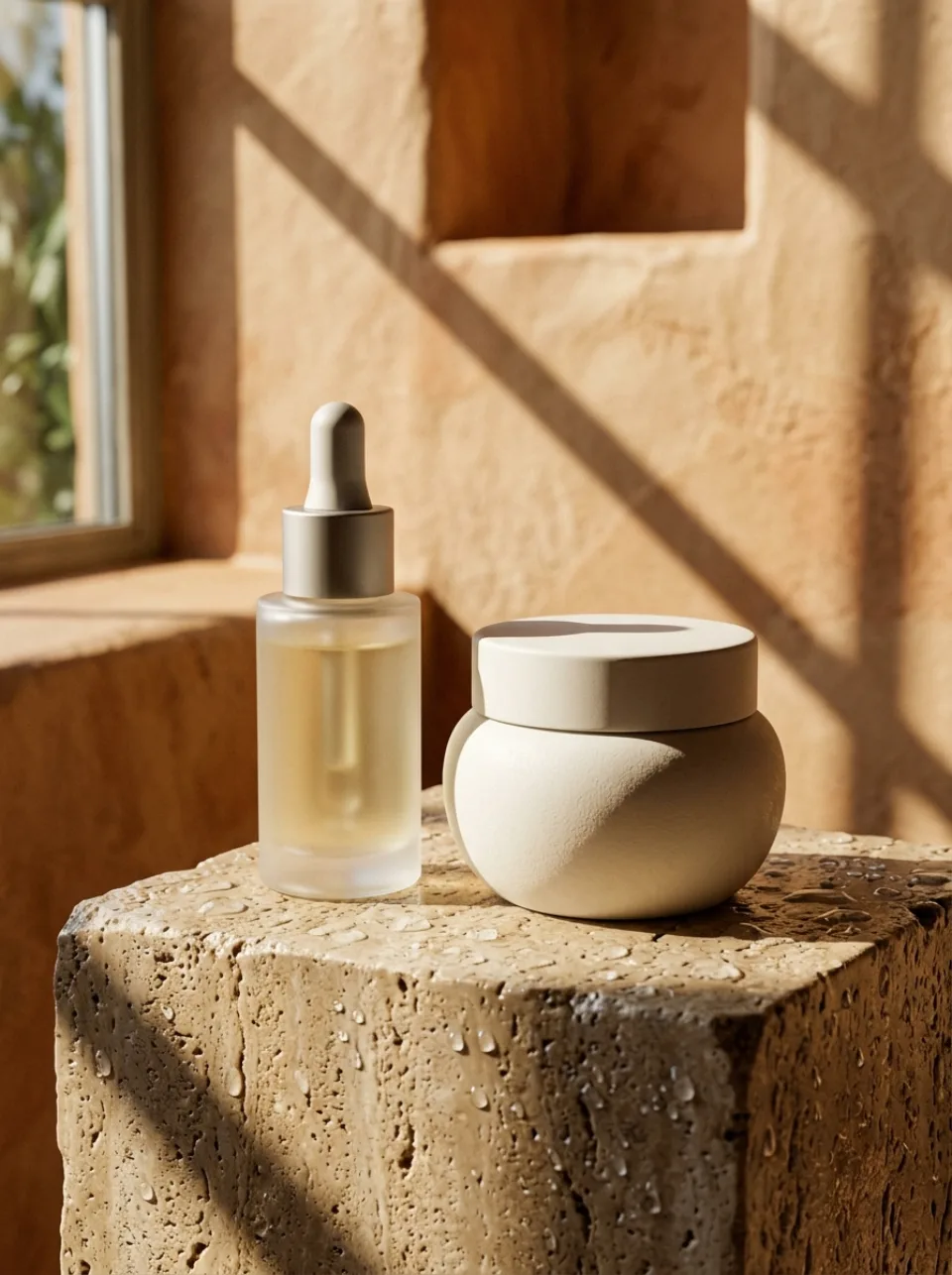
Morning Routine Serum Hook
Natural sunlit vanity framing designed to stop the scroll in the first two seconds on TikTok and Reels.
Use Case · Ecommerce & Paid Social
Launch creator-style product ads in minutes with an AI UGC video generator built for modern ecommerce teams. Upload a product photo, paste a hook-to-CTA script, and produce vertical videos with native voiceover and multi-scene continuity right inside CloneCut.
Pair authentic handheld framing with synced voiceover and natural room tone in one generation.
Animate clean product shots into hook, demo, and closing commercial beats, then merge clips.
Click any campaign template below to load its exact brief into the AI UGC video generator above, swap in your own product details or photo, and preview upfront credits before rendering.
Beauty & SkincareNatural sunlit vanity framing designed to stop the scroll in the first two seconds on TikTok and Reels.
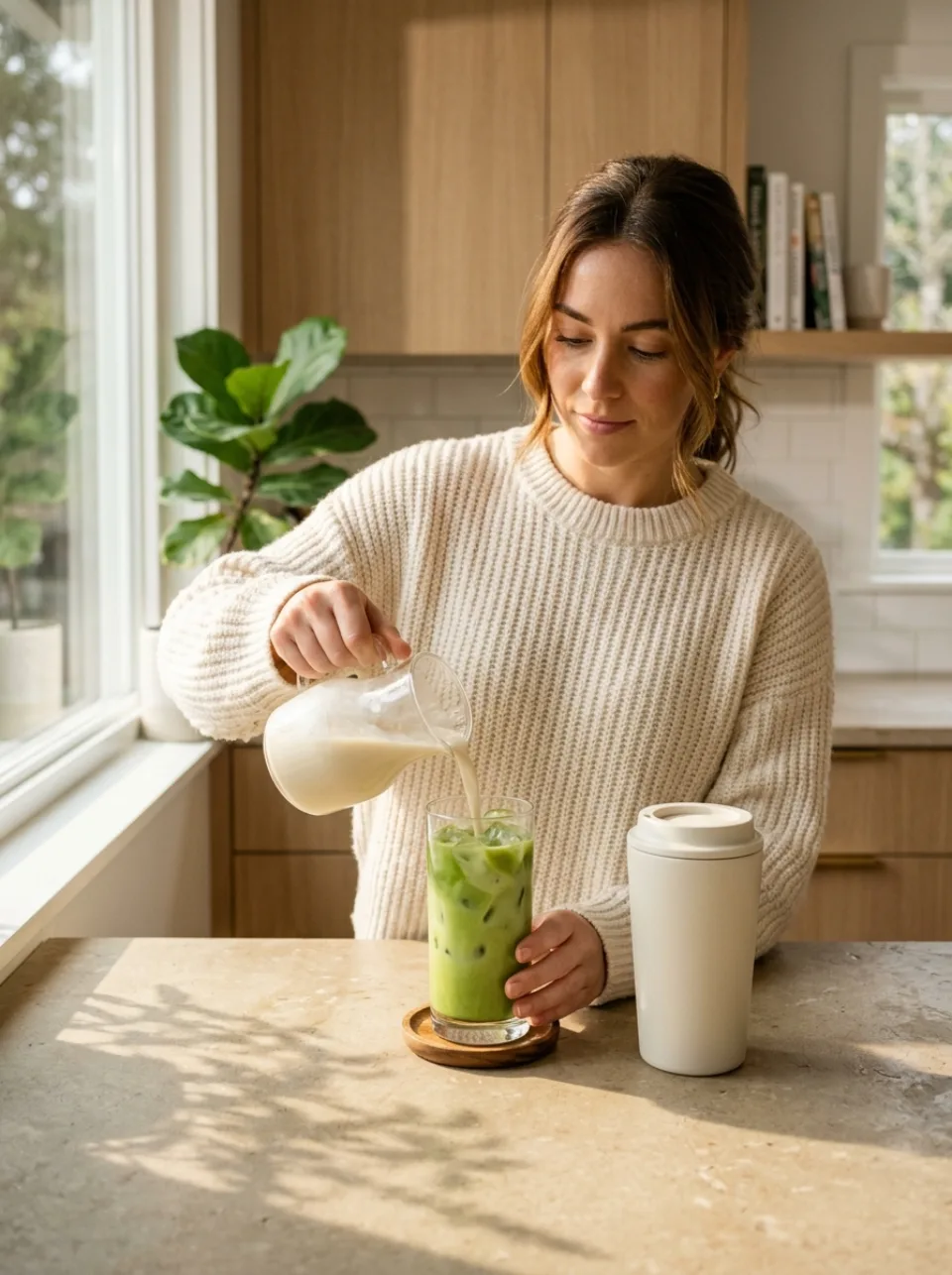 Food & Beverage
Relatable daily-ritual storytelling combining an organic pour shot with a clean product hero angle.
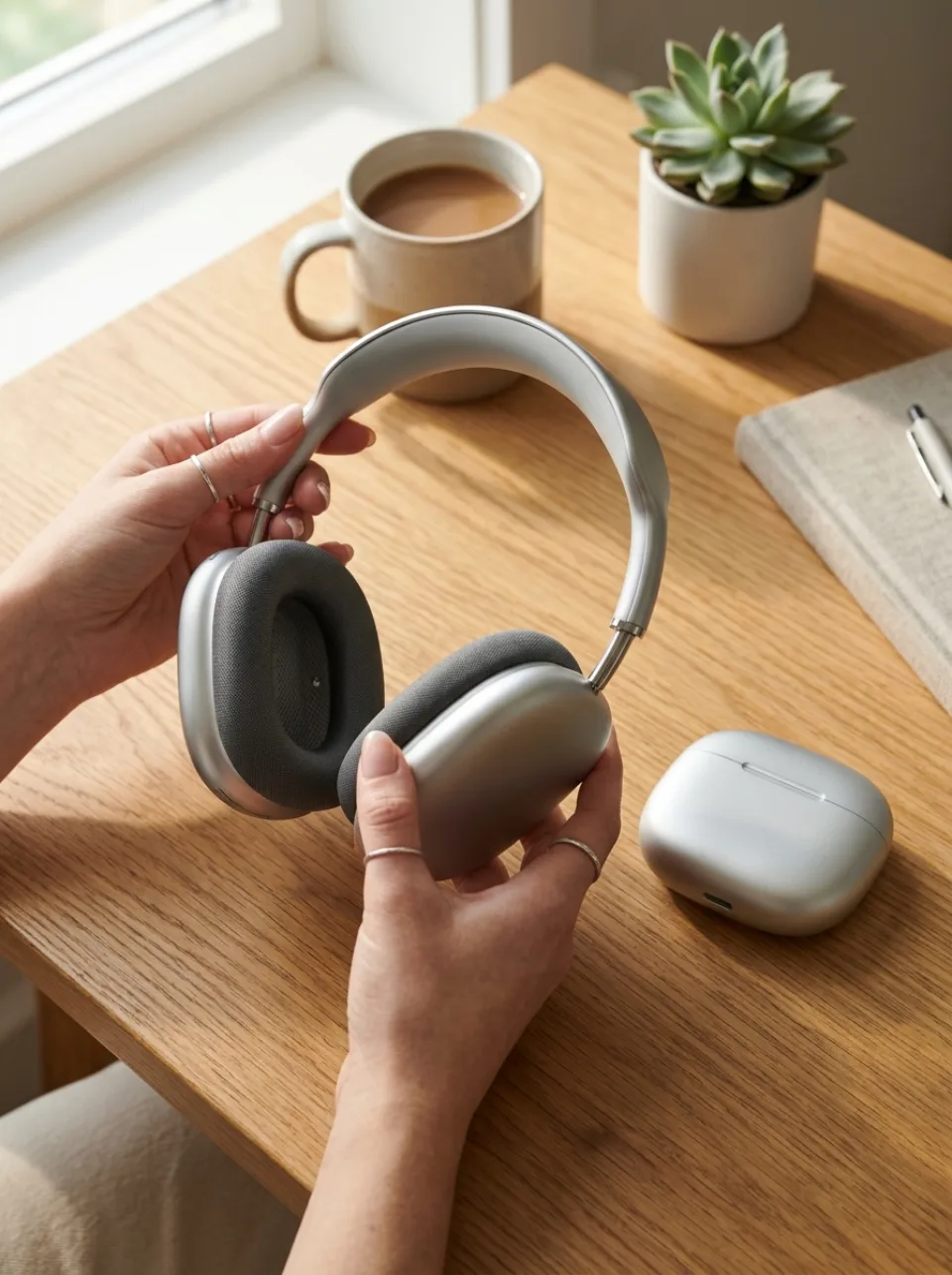 Consumer Tech
Tactile first-person unboxing and close-up hardware demonstration built for product detail pages and paid feeds.
DTC CommercialHigh-margin studio commercial b-roll that pairs cleanly with creator voiceovers for high-ticket launches.
Built for Performance Creative
Traditional creator seeding takes weeks of shipping, reshoots, and licensing negotiations. Our AI UGC video generator gives growth teams an always-on creative studio to test more hooks, angles, and localized scripts every single week.
Start with the photography you already have on your storefront. Attach a clean studio shot or lifestyle image, describe the creator setting and hand movement, and let the AI UGC video generator animate authentic motion around your real packaging.
Because your uploaded image anchors color, shape, and silhouette from the first frame, brand teams keep visual consistency across skincare bottles, beverage tumblers, apparel accessories, and desk electronics without waiting for a physical studio shoot.
Product-anchored UGC framingSilent product clips lose viewers before the value proposition lands. By pairing MiniMax H3 and Seedance 2.5 inside the same AI UGC video generator, your video renders with synchronized spoken voiceover, subtle ambient room tone, and tactile foley such as liquid pours or packaging clicks.
You can test energetic TikTok hooks, calm wellness narration, or upbeat unboxing commentary directly from your script prompt, reducing post-production editing time before uploading campaigns to ad managers.
Synced native audio & voiceWinning social ads follow a proven narrative arc: scroll-stopping hook, problem demonstration, product close-up, and closing call to action. Paste a multi-scene script into CloneCut and the workspace automatically structures Scene 1, Scene 2, and Scene 3 in sequence.
Once a scene finishes, one-click last-frame continuation carries visual lighting and palette straight into the next shot. When all shots are ready, merge them into a single downloadable MP4 directly in your browser so your campaign asset is ready to publish.
Hook → Demo → CTA storyboardTop-performing DTC ad accounts rarely rely on one visual texture alone. Use our AI UGC video generator to combine handheld creator testimonials with elevated studio product orbits that feel like a full AI commercial generator production.
Switch effortlessly between MiniMax H3 for cost-efficient daily creative testing, Seedance 2.5 for extended 30-second storytelling with audio, and Kling 4.0 when you want razor-sharp first-to-last-frame product reveals.
Multi-model commercial b-rollWhether you manage a solo Shopify store or a multi-brand performance agency, an AI UGC video generator removes creative bottlenecks across every stage of your funnel.
Present realistic motion storyboards and studio commercial concepts to brand clients in hours instead of waiting on mood-board decks.
Generate five distinct 5-second opening hooks from one product brief to identify winning thumbstop rates before scaling ad spend.
Generate five distinct 5-second opening hooks from one product brief to identify winning thumbstop rates before scaling ad spend.
Convert flat catalog photography into tactile 360-degree lighting reveals and lifestyle usage clips that lift product page conversion.
Adapt a proven winning ad script into English, Portuguese, Spanish, Japanese, Chinese, or Arabic creatives without hiring separate local creators.
Present realistic motion storyboards and studio commercial concepts to brand clients in hours instead of waiting on mood-board decks.
Choose the exact engine that fits your campaign budget, clip duration, and audio requirements without juggling separate subscriptions.
| Capability | MiniMax H3 (Default) | Seedance 2.5 | Kling 4.0 / Flash |
|---|---|---|---|
| Best UGC & Ad Role | Fast daily hook testing, spoken creator intros, and cost-efficient multi-scene drafts | Longer narrative product stories, complex camera choreography, and rich audio ads | Crisp product close-ups, luxury packaging reveals, and controlled first/last frame transitions |
| Native Audio & Voice | Yes — synchronized speech, ambience, and sound effects | Yes — native dialogue, music mood, and natural foley | Silent video (ideal for trending platform music or custom brand voiceover) |
| Clip Duration | 5–15 seconds per shot with seamless multi-scene continuation | Up to 30 seconds in a single continuous take | 3–30 seconds (Standard) or 3–20 seconds (Flash) |
| Reference Inputs | Text script or product reference image | Text, product images, and video remix via Video Agent | Text, opening product frame, or opening + ending keyframes |
| Credit Efficiency | Lowest cost per test — ideal with one-time starter credit packs for rapid A/B hooks | Premium flagship tier for hero launch creatives | Flexible 720p/1080p standard and lighter Flash pricing |
Exact credit requirements always appear inside the workspace before you confirm generation. Failed runs are refunded automatically.
Go from raw product photo or brief to a ready-to-launch social ad in three predictable steps.
Pick a quick template or drop in your own product photo alongside a short brief naming the setting, lighting, creator action, and spoken hook.
Start with MiniMax H3 at 9:16 for fast vertical hooks with audio, or switch to Seedance 2.5 and Kling 4.0 for extended product sequences.
Review each rendered clip, chain Scene 2 and Scene 3 from the last frame for visual continuity, and merge everything into one clean MP4 in your browser.
Performance ads convert when they feel native to the feed rather than overly polished. Apply these four habits inside the AI UGC video generator for stronger viewer retention.
Name an immediate visual motion such as tilting a dropper bottle toward daylight, pouring iced matcha, or snapping open headphones so the opening frame hooks attention immediately.
Prompts describing morning bathroom window light, warm oak kitchen counters, or soft handheld smartphone framing produce far more believable UGC than heavy cinema buzzwords.
Write "Scene 1: Hook..., Scene 2: Texture close-up..., Scene 3: Product hero reveal..." so the multi-scene workflow gives every selling point clean framing and crisp detail.
When animating a real product image, upload a sharp, well-lit photo with breathing room around the edges and ask for slow, deliberate camera orbits so labels stay readable.
Choose how to pay
Lite
Due today: $19.9. Renews monthly.
For casual creators
Pro
Due today: $39.9. Renews monthly.
For professionals
Ultra
Due today: $79.9. Renews monthly.
For power users
FAQ
An AI UGC video generator turns written ad scripts and product images into creator-style short videos tailored for TikTok, Instagram Reels, YouTube Shorts, and paid social campaigns—without shipping inventory or scheduling studio shoots.
Yes. Upload a JPG, PNG, or WebP photograph of your product directly in the workspace above, describe the setting and camera motion, and generate a realistic product demo or lifestyle video anchored to your image.
Yes. Both MiniMax H3 (selected by default) and Seedance 2.5 generate synchronized spoken voiceover, room ambience, and natural product sound effects directly alongside your video clip.
Paste a script labeled with Scene 1, Scene 2, and Scene 3. CloneCut queues each shot, lets you continue from the final frame for lighting continuity, and merges your approved clips into one downloadable MP4 right in your browser.
MiniMax H3 is our default engine because it pairs native audio with the lowest credit cost per 5-second shot. Pair it with our one-time starter credit pack in the pricing section above to generate and merge a full multi-scene test ad without committing to a subscription.
Videos you create from your own original prompts and product assets are ready to download and deploy across organic social feeds, storefront listings, and paid advertising channels, subject to your local platform advertising policies.
Choose 9:16 vertical for TikTok, Instagram Reels, and YouTube Shorts, 1:1 square for Meta and storefront feeds, or 16:9 widescreen for YouTube and Amazon product pages—all exported as clean MP4 files ready for ad managers.
Every credit estimate is shown upfront before generation starts, and any failed render is refunded to your balance automatically so you only pay for completed video outputs.
Need Video Remix or Multi-Shot Direction?
Start generating directly in the AI UGC video generator above, or open Video Agent to break down winning reference clips, plan multi-shot commercial storyboards, and iterate with conversational edits.
CloneCut provides independent access to flagship video generation models in one unified workspace. Always confirm product claims and platform ad policies before publishing.